Software analysis · CLI & MCP
Find out how
software works.
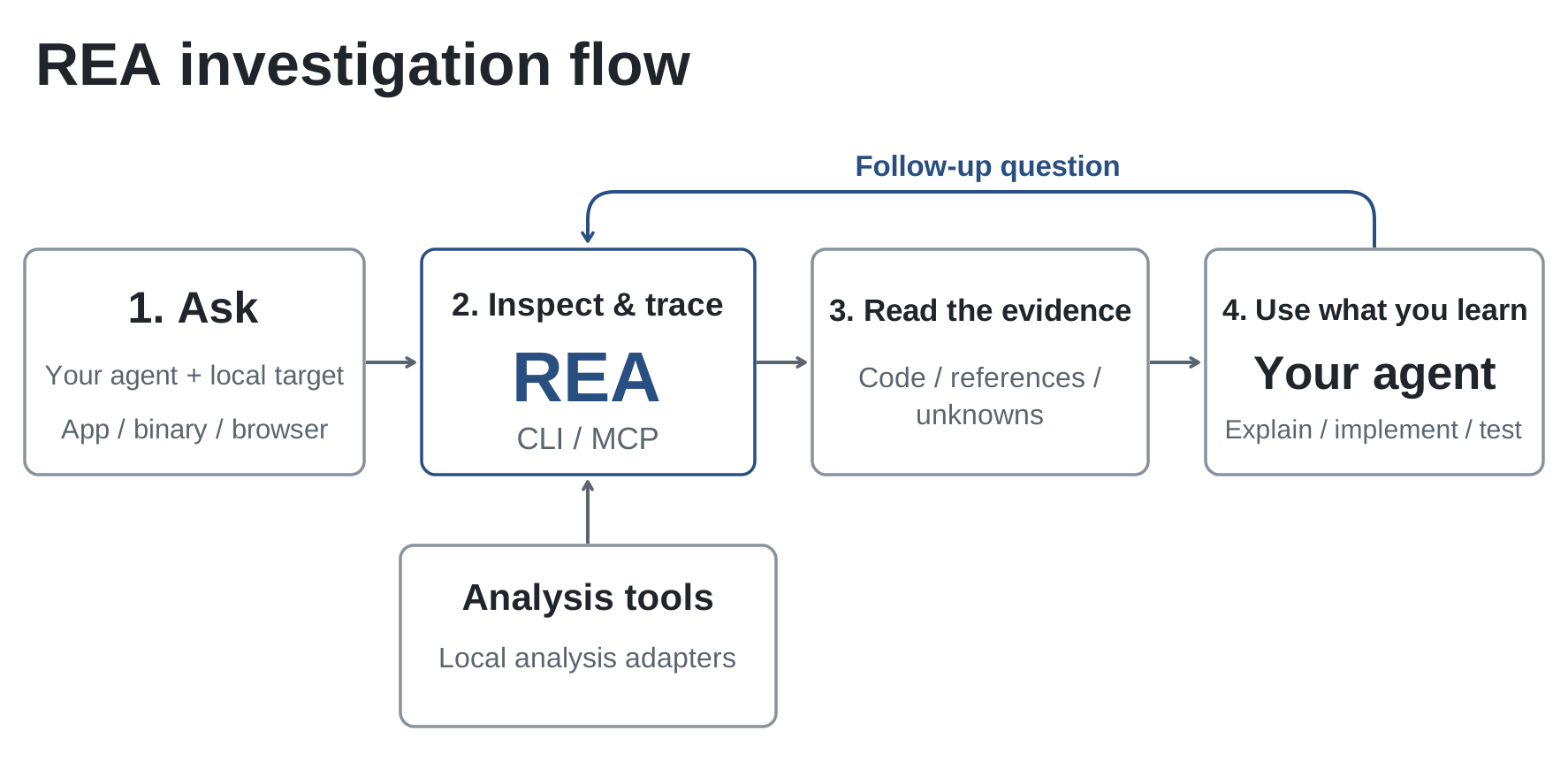
REA gives your coding agent tools to inspect apps, binaries and runtime behavior. Ask a question, follow the code, and use what you learn in your own project.
npx rea-agents@latest setup
Connects REA to your agent and installs its investigation workflow.
Case study
Rebuilding DX-Ball
DX-Ball is a 1996 Windows game. The project is reconstructing it in C, using REA to inspect the executable and independent tests to check the recovered behavior.
To recover a sound-pan calculation, the agent used REA to inspect the instructions, follow a caller and read the constants. Those findings led to a C function checked against the original behavior and all 63 compiled bytes.
Work so far covers boards, resources, brick hits, animations, particles and bonus production. The playable game is still in progress.
- 55
- functions in maintained C
- 45,380
- original-x86 differential cases
- 33
- complete functions with matching compiled bytes
Bring a target. Ask a question.
Start with a local app or file, then narrow the investigation to the feature or behavior you want to understand.
Native applications
Inspect functions, strings, references and call relationships in executables and libraries.
Native analysis guideJavaScript & Electron
Map modules, routes, IPC and native dependencies from an application folder or ASAR archive.
Application workflowsRuntime behavior
Capture selected browser or process activity, then compare the results across runs.
Browser observation guideKeep the investigation in your workflow.
Use REA from your terminal or through your agent's MCP connection. Analysis runs locally, and results include the source locations, evidence and open questions you need to continue.
Use your analysis tools
Connect a local analysis provider for native binaries. Static JavaScript analysis runs with Node.js and npm.
Choose a native providerWhat would you like to understand?
Connect your agent, or get your first result from the terminal.